01
Online payments
Accept card and bank transfer payments through Stripe. Customers pay in two clicks - funds in your bank in days, not weeks.
Pipeline’s invoicing software turns a completed job into an invoice with one click. Customers pay online with card or bank transfer - and your accounts software stays in sync.
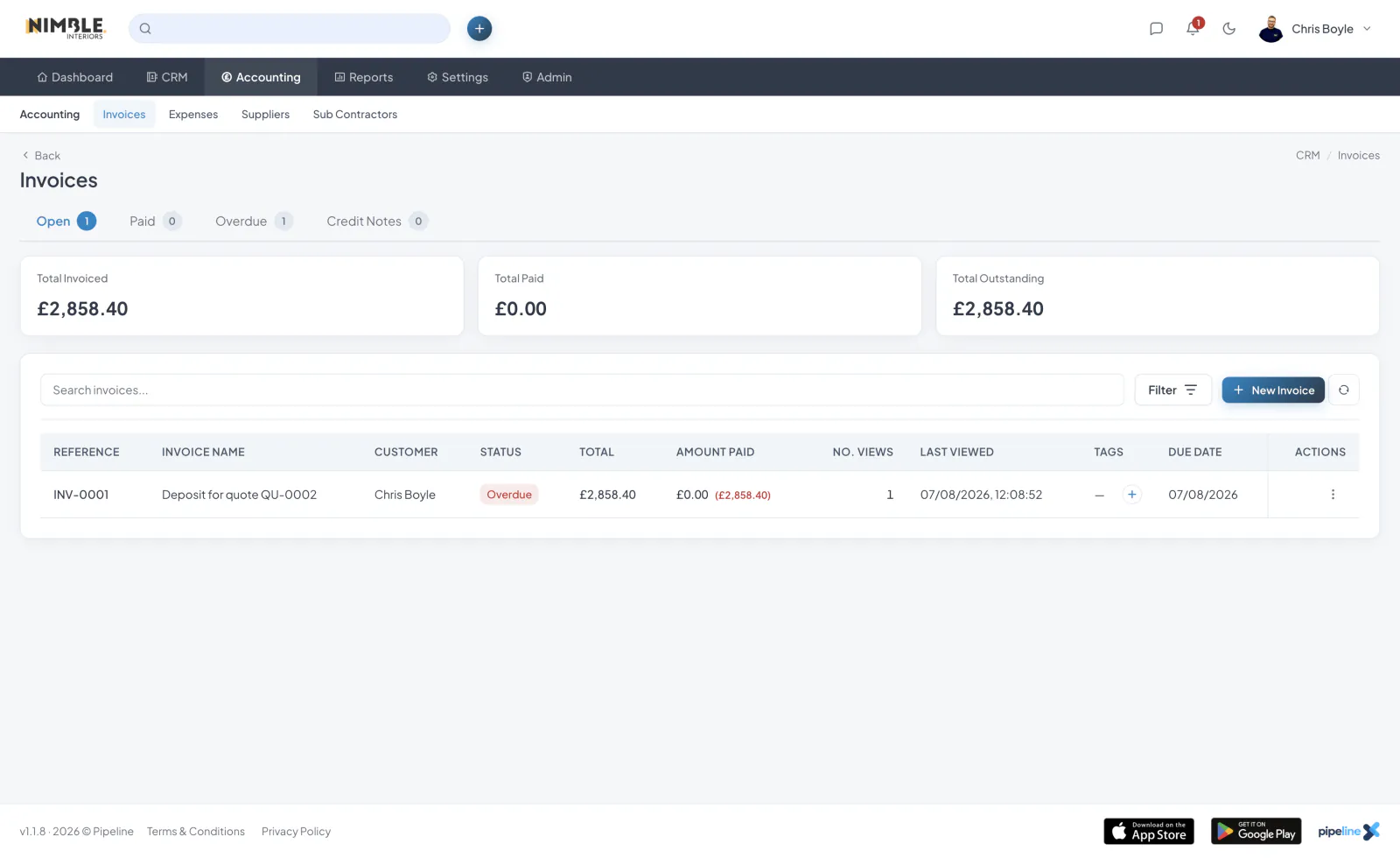
Accept card and bank transfer payments through Stripe. Customers pay in two clicks - funds in your bank in days, not weeks.
Polite, branded reminder emails go out on a schedule you define. No more awkward phone calls about unpaid invoices.
Real-time two-way sync between your invoicing software and Xero or QuickBooks. Invoices, payments, customers and credit notes all match.
See outstanding balances by age band so overdue invoices are easy to chase and prioritise.
Record unit costs on invoice lines or copy them from your item catalogue. Pipeline’s invoicing software keeps these internal figures separate from the prices your customer sees and preserves them when you save in Retail View.
See total line costs and margin after discounts, excluding VAT, on individual invoices. The invoice list also shows a Total Margin card with an amount and percentage across all matching non-void invoices, following your active filters.
Switch on Retail View when adding, editing or viewing an invoice to hide cost fields, columns and margin summaries. On the invoice list, it hides the entire Total Margin card while keeping invoiced, paid and outstanding totals visible. Customer invoice links and PDFs keep internal costs private.
Choose Default to retail view in Quote/Invoice Settings to start with private figures hidden on invoice screens and the invoice list. The toggle is only shown to staff with the Invoices View costs & margins permission; staff without it cannot see costs or margins.
Pipeline MCP turns Pipeline into AI CRM software that connects to ChatGPT, Claude and other compatible assistants, so you can ask questions, review your work and carry out everyday sales and operations tasks in plain English.
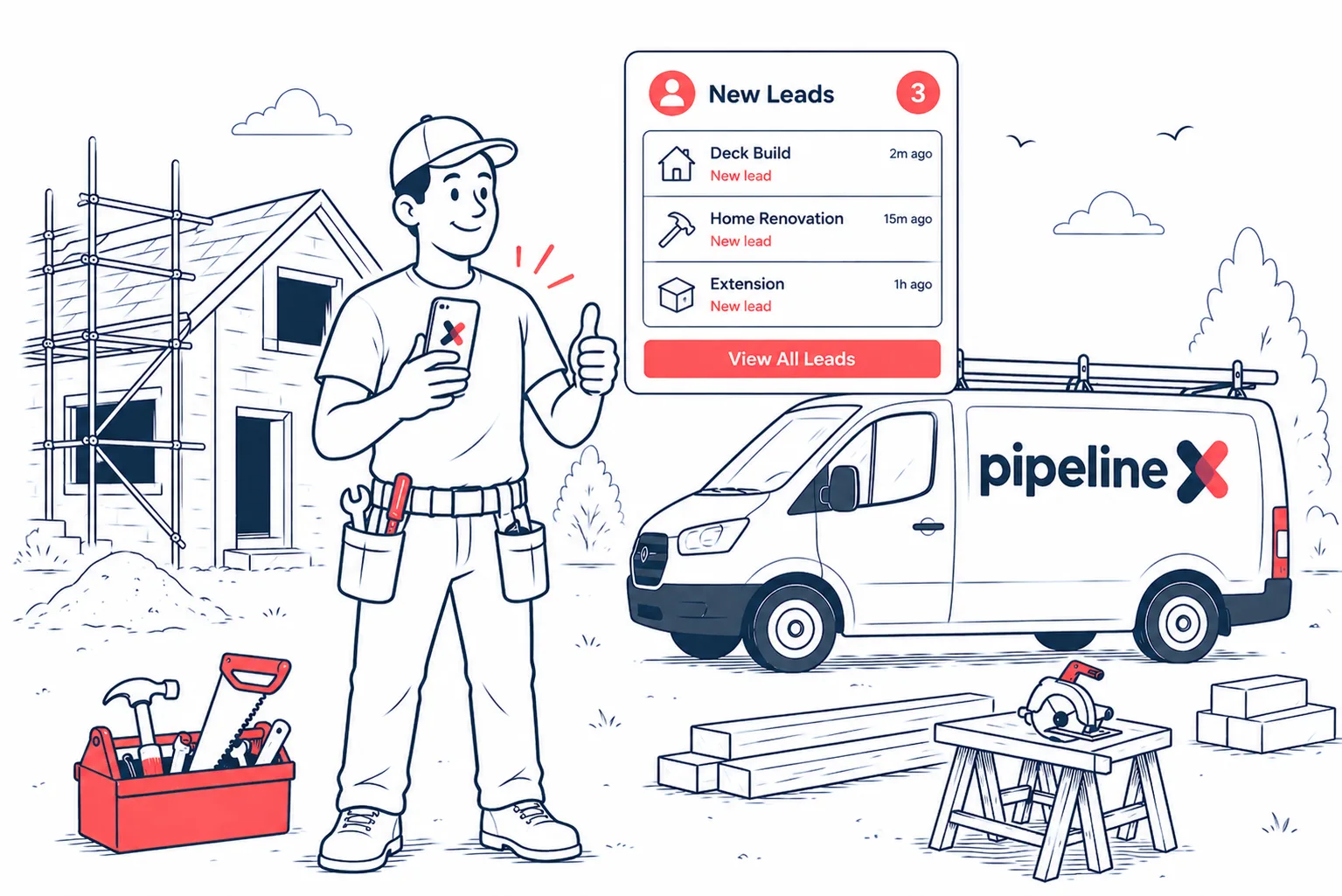
Stop losing work to missed emails and forgotten phone calls.

Pipeline’s quoting software builds professional quotes in minutes from a library of saved line items.
Start a 7-day free trial. Cancel anytime.
Join the Pipeline mailing list and we’ll send you a discount code for 50% off your first three months.
That’s three months of fewer spreadsheets, fewer missed leads and considerably less shouting, “Who booked that job?”
We’ll also send occasional Pipeline news and useful updates. No spam, no daily motivational quotes. Unsubscribe whenever you like.
Offer available to new Pipeline customers only.